All articles
Building a catalogue people can scan
Position one earns more than everything under it. How to order an online product catalogue, when categories help, and why your bestseller ends up seventh.
Sailo team12 min read
On this page
- Position one is worth more than positions six to twenty combined
- Why your bestseller ends up seventh
- The order that works
- Categories are a tax until they aren't
- One image per product, cropped the same way
- What to do about things you can't currently make
- Worked example: 34 products to 14, Davao
- Reordering is a weekly habit, not a project
- One-of-one sellers are a different problem
- The honest limitation
- What to do next
"Everything I sell is on the page and people still message me asking if I have it."
They're not being difficult. They got to a grid of 34 items, all roughly the same size, in an order that made sense to you and to nobody else, and they gave it about six seconds before deciding it was easier to type a question. The fix is ordering, not adding. Put this week's post first, your bestseller second, and don't create a single category until you have more than about 15 products and at least four things to put in each one.
That's the whole method. The reason it works is that a catalogue is read like a shelf, not like a database.
Position one is worth more than positions six to twenty combined
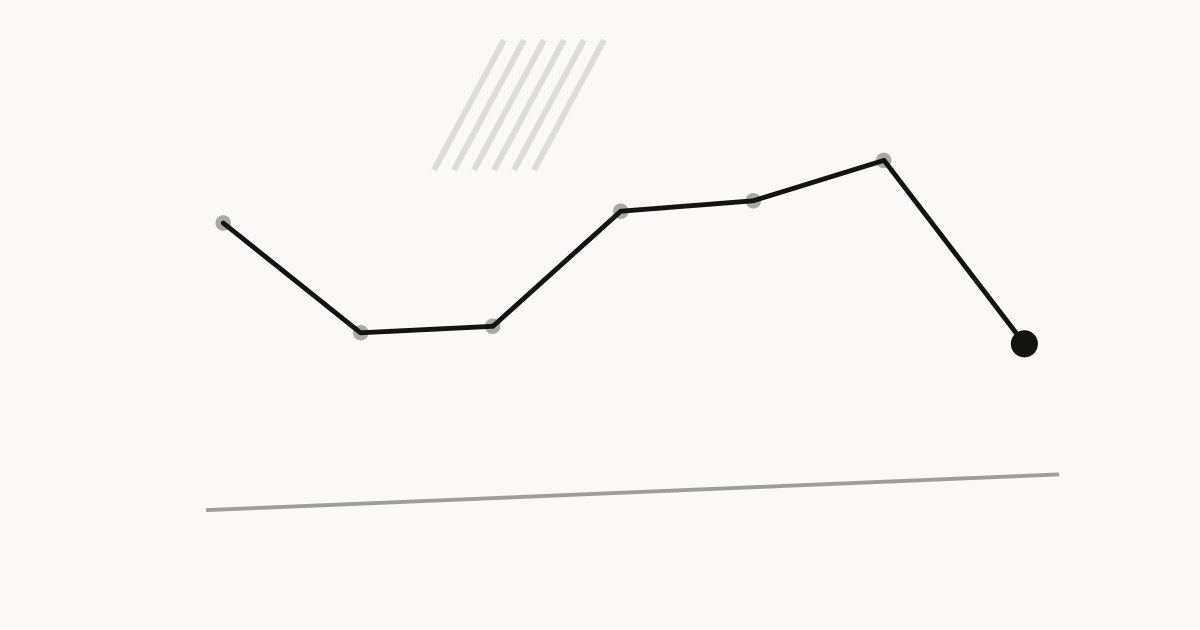
Attention on a phone falls off a cliff, and it falls off faster than anyone building the page believes.
The first item gets looked at by everyone who lands. The second gets most of them. By the sixth, you're down to the people who arrived already intending to buy something specific, and past about twelve you're being read by your mum and your competitors.
This isn't a reason to have fewer products, although you probably should. It's a reason to treat slot one as a decision you make every week rather than an accident of upload order.
Test it on yourself. Open a shop you've never seen, on your phone, and notice how far you scroll before you either buy, message, or leave. It's rarely past the first screen and a half.
Why your bestseller ends up seventh
Three things put it there, and all three are silent.
Upload order. Most catalogues list products in the order they were added. Your bestseller is often an early product, which means it's near the top for a while and then buried under everything you've made since. Nobody ever chose to demote it.
Boredom. You've photographed that item forty times, packed it two hundred times, and you're sick of it. New products feel more interesting to you, so they go up top. Your buyer has never seen any of it and does not share your fatigue.
A category tidy-up. Someone reads an article about organising a shop, creates six categories, and the bestseller ends up as the second item inside "Accessories", which is now two taps from the front page. Tidying a catalogue is the most common way to hide the thing that pays your rent.
If you've had the same shop for six months and never deliberately reordered it, your bestseller is almost certainly not first. Go and check before you read any further.
The order that works
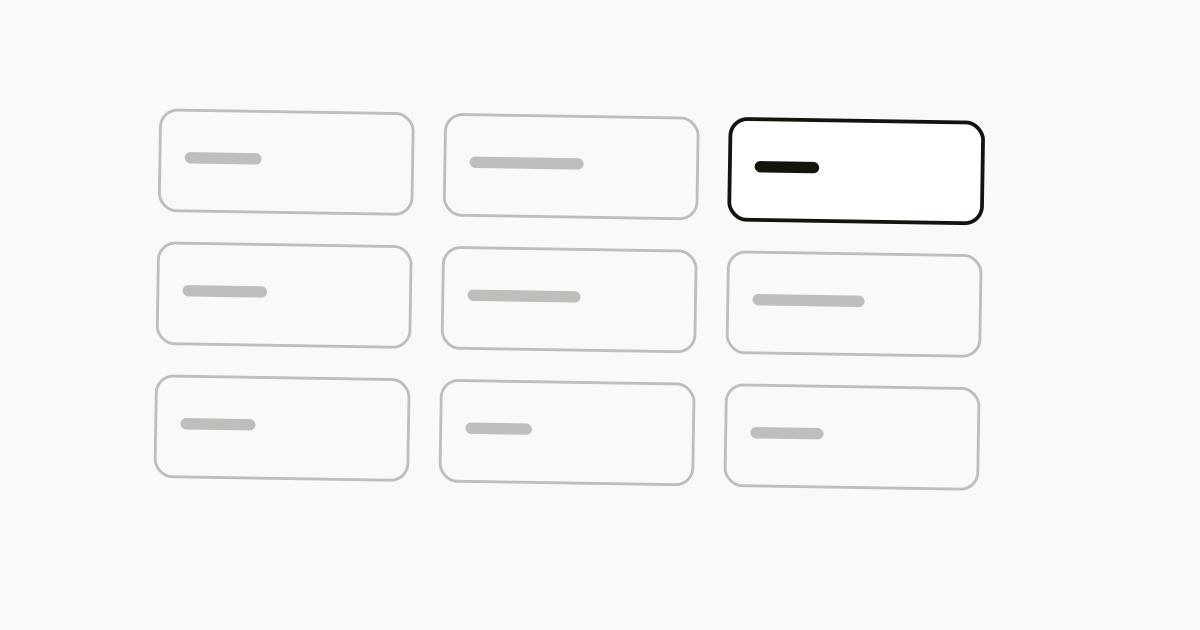
Slot by slot, for a shop with fewer than about 10 products:
- Whatever you posted this week. The person tapping through just saw it. If it isn't first, they assume it isn't available yet.
- Your bestseller. The thing that sells without being pushed. It's also the item most likely to be what a stranger wants, because that's what "bestseller" means.
- Your highest-margin product, if it isn't already at 1 or 2. This is the one you want the browsing customer to land on.
- The cheapest thing you sell that's still worth selling. An entry price on the first screen tells a nervous buyer that this shop has something for them. It anchors everything above it as reasonable, too.
- Something visually different from slots 1 to 4. A different colour, a different shape, a different category. Four near-identical thumbnails read as one product with variants and people scroll straight past.
Then everything else, roughly in the order you'd recommend them to a friend. Last position matters slightly more than the ones just above it, because people who scroll to the bottom are looking for something and will read what's there.
Categories are a tax until they aren't
Every category is a tap. Every tap loses people. So a category has to save more effort than it costs, and below a certain size it never does.
The rule that works in practice: no categories until you're past 15 products, and no category with fewer than four items in it.
A category with one product in it is not organisation. It's a hidden product with a label on it.
| Products in shop | What to do |
|---|---|
| Under 10 | One list. No categories. Reorder it weekly |
| 10 to 20 | One list, unless you sell two genuinely unrelated things |
| 20 to 60 | Three to five categories, each with at least four items |
| Over 60 | Categories plus search, and a hard look at whether you need 60 products |
When you do build them, name them the way a buyer would say them out loud, not the way your stock spreadsheet does. "Earrings" beats "Accessories". "Under ₱500" beats "Value range". "Gifts" is a real category because it's a real reason someone shops, and it's the one most small shops forget to build even though a third of their December orders are exactly that.
One more thing about naming: if you sell something people search for by its specific name, that name should be visible, not hidden behind a general heading. Nobody types "wellness". They type "black soap". The same logic that governs a category label governs a product title, and how to name your products is the twenty-minute version of that job.
One image per product, cropped the same way
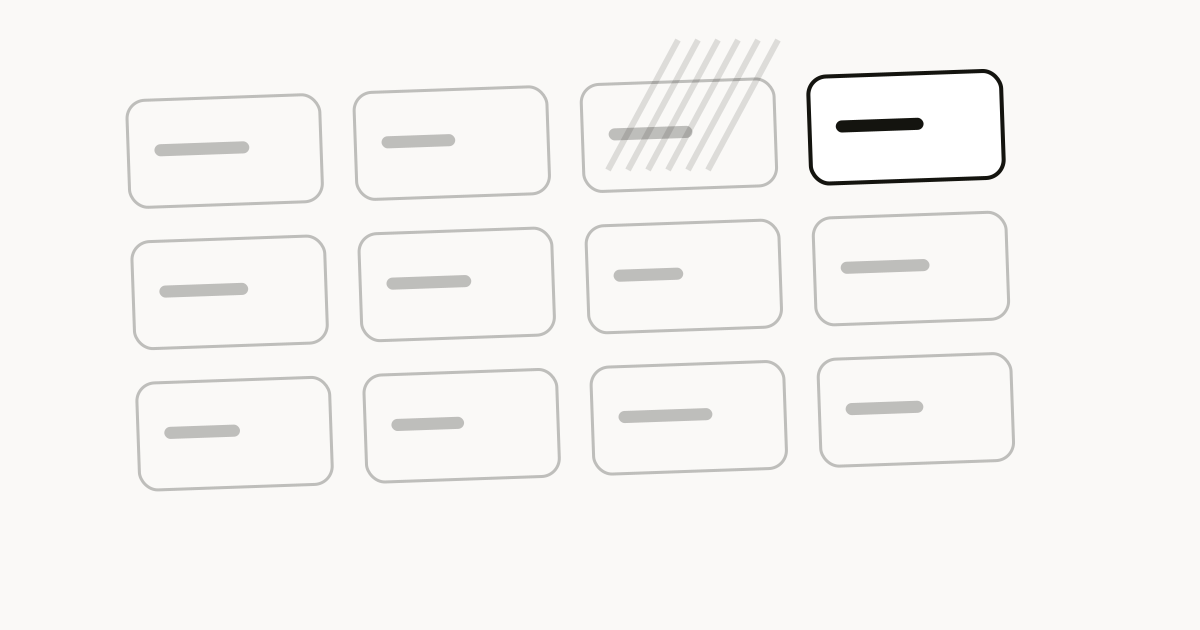
The single biggest thing that makes a catalogue readable has nothing to do with order. It's that the thumbnails match.
Same crop, same distance, same background, same light. When they do, the eye reads the grid as a shop and the differences between products jump out. When they don't, the eye reads the grid as a folder of photos and every item competes with every other item on brightness rather than on merit.
This is why photographing everything in one session matters more than photographing anything perfectly. Set up once, shoot the whole range, and your catalogue looks intentional even if each individual shot is only decent: how to photograph what you sell covers the six-shot setup and why moving the table beats buying a camera.
Practical rules for the thumbnail specifically:
- The product fills roughly the same fraction of the frame in every image.
- No text on the image. It's unreadable at thumbnail size and it dates fast.
- No lifestyle shot as the main image. Lifestyle shots are for the second slot inside the product page, where they do a different job.
- If two products look alike in the grid, change the angle on one of them rather than the description.
Notes on selling, twice a month
One email on pricing, photographs, delivery and getting paid. No pitch, no filler.
What to do about things you can't currently make
An out-of-stock product on the front page is a page that says "maybe not".
Options, in order of how well they work:
Remove it. If it's coming back in more than three weeks, take it down. Keep the photos and the description somewhere so relisting is a five-minute job.
Move it below everything available. Fine for a week or two. Not fine as a permanent state, because a page with four greyed-out items on it looks like a shop that's closing.
Turn it into a waiting list. If it's genuinely your best product and it's coming back, a "back in stock in September, message to be told first" listing collects intent instead of wasting the slot. It also tells you how many to make. Building a waiting list for a drop has the mechanics.
What doesn't work is leaving it up at full price with no note. The buyer orders, you have to tell them no, and you've spent your best first impression on a disappointment.
Worked example: 34 products to 14, Davao
Marilou sells hand-woven bags and small home pieces from Davao, mostly through Instagram and Facebook, with orders coming in over Messenger and a lot of them paid cash on delivery, which is what most of her buyers expect.
Her page had 34 items on it. Six categories. Her bestseller, a ₱850 woven market tote, was the third item inside a category called "Bags & Totes", which was the second category down. Three taps from arrival.
She spent one Sunday afternoon doing this:
- Counted orders per product for the previous three months, from her own notebook, not from memory. The tote was 41% of everything she'd sold. Eleven of the 34 products had sold zero times in three months.
- Deleted the eleven. Not archived, deleted, because she wasn't going to make them again.
- Deleted nine more that had sold once or twice and that she didn't enjoy making.
- Removed all six categories.
- Reordered what was left: last week's post first, the ₱850 tote second, a ₱1,900 basket set third because it's her best margin, a ₱280 coaster set fourth as the entry price, and a ₱1,200 wall hanging fifth because it looks nothing like the four above it.
Fourteen products, one list, no taps.
What she noticed in the following month wasn't a jump in orders. It was that the messages changed. "Do you have the tote in brown" replaced "do you have any bags", which meant people were arriving at a product instead of at a shop. Brown was a variant question, which she could answer in one line, and half of those turned into orders the same day.
The twenty products she removed had taken her about eleven hours to photograph and list over the previous year. That's the real cost of a catalogue nobody scans.
Reordering is a weekly habit, not a project
Ten minutes, once a week, on the same day.
- Move whatever you posted in the last seven days to the top.
- Check that your current bestseller is at 1 or 2. It changes with the season and you will not notice unless you look.
- Drop anything you can't make right now below the things you can.
- Delete anything that has sold nothing in three months and that you don't want to make again.
That's it. The reason to make it a habit rather than a spring clean is that a catalogue drifts. Every product you add goes to the bottom or the top by default, and after two months the order is once again an accident.
Sunday evening works for most people because it's before the week's posting, not after it.
One-of-one sellers are a different problem
If you sell vintage clothing, second-hand furniture, or original art, every item is its own listing and you can't consolidate them into variants. The advice above still holds for order, but the volume problem is real and it doesn't go away.
Two things help. First, sell in drops rather than continuously: 12 pieces posted on a Thursday evening, all photographed the same way, is a page people will actually scan, and it creates a reason to come back. Second, be brutal about how long something stays up. An item that hasn't sold in three weeks is not going to sell in week nine, and it's occupying a slot. Reprice it or pull it.
If most of what you sell is one-of-one, read selling thrift and vintage clothes alongside this, because the listing rhythm is the whole business there.
The honest limitation
Nothing about this happens on its own. Deciding what your bestseller is, dragging last week's post to the top, and deleting the dead listings are all jobs you do yourself, on a Sunday, for ten minutes. Skip three Sundays and the page is back to whatever order things happened to go up in.
Knowing which product to promote to slot two also needs history, and on Sailo's free plan you get 7 days of analytics. That's enough to see what sold last month and not enough to see that your candles always slow down in June. Pro is $19 a month for a year of it. If you're on free, write your monthly totals down somewhere yourself, because in 31 days the detail is gone.
The other constraint worth planning around before you start photographing things: the free plan holds 10 products. For most shops reading this, that's already more than you should have on the page, which is why the cap tends to bite hardest on the sellers who most need to cut. Pro is $19 a month for 100 products and Business is $49 for unlimited, and the honest advice is to hit the cap properly before you pay to lift it. How many products should you launch with makes the case for a much smaller number than most people expect.
What to do next
Open your shop on your phone, not on a laptop. Look at the first screen and a half without scrolling, and write down what a stranger would think you sell.
If the answer isn't the thing you most want to sell, you've found the problem and it takes four minutes to fix. Drag your bestseller to position two and whatever you posted this week to position one, right now, before you plan anything bigger.
Then count how many products have sold nothing in three months, and delete them this week rather than next. The page gets faster to read, the photos you keep get more attention, and you stop maintaining listings that only exist because you made the thing once.
Topics
- catalogue
- conversion
Written by
Sailo team
One link, your whole shop.
Notes on selling, twice a month
One email on pricing, photographs, delivery and getting paid. No pitch, no filler.
You're already selling in the DMs.
Sailo just gives it a front door — so people can browse, compare and see prices before they message you.
Get your linkFree while in beta · No card required